Owneo
Everything you own and every date that comes with it — warranties, renewals, services — with a reminder before one slips.
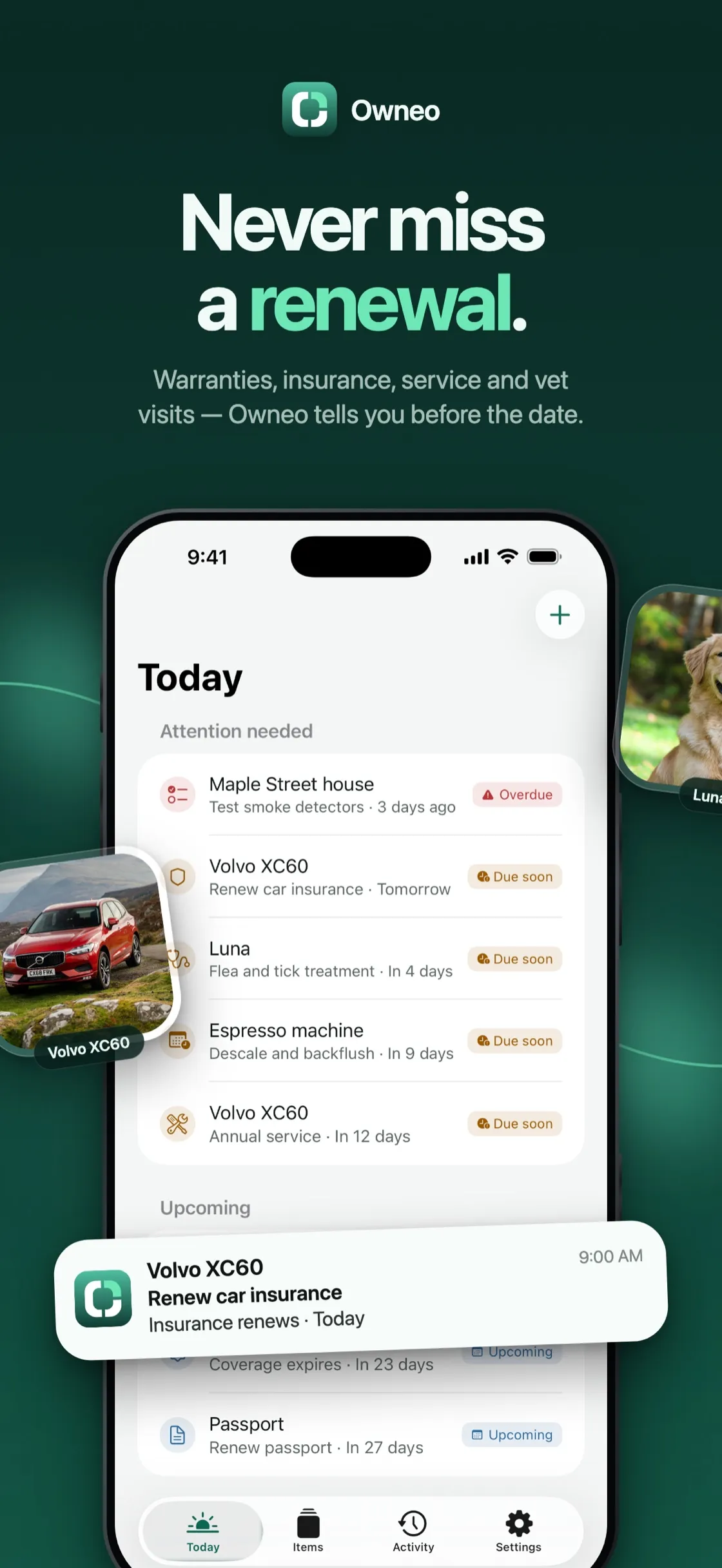
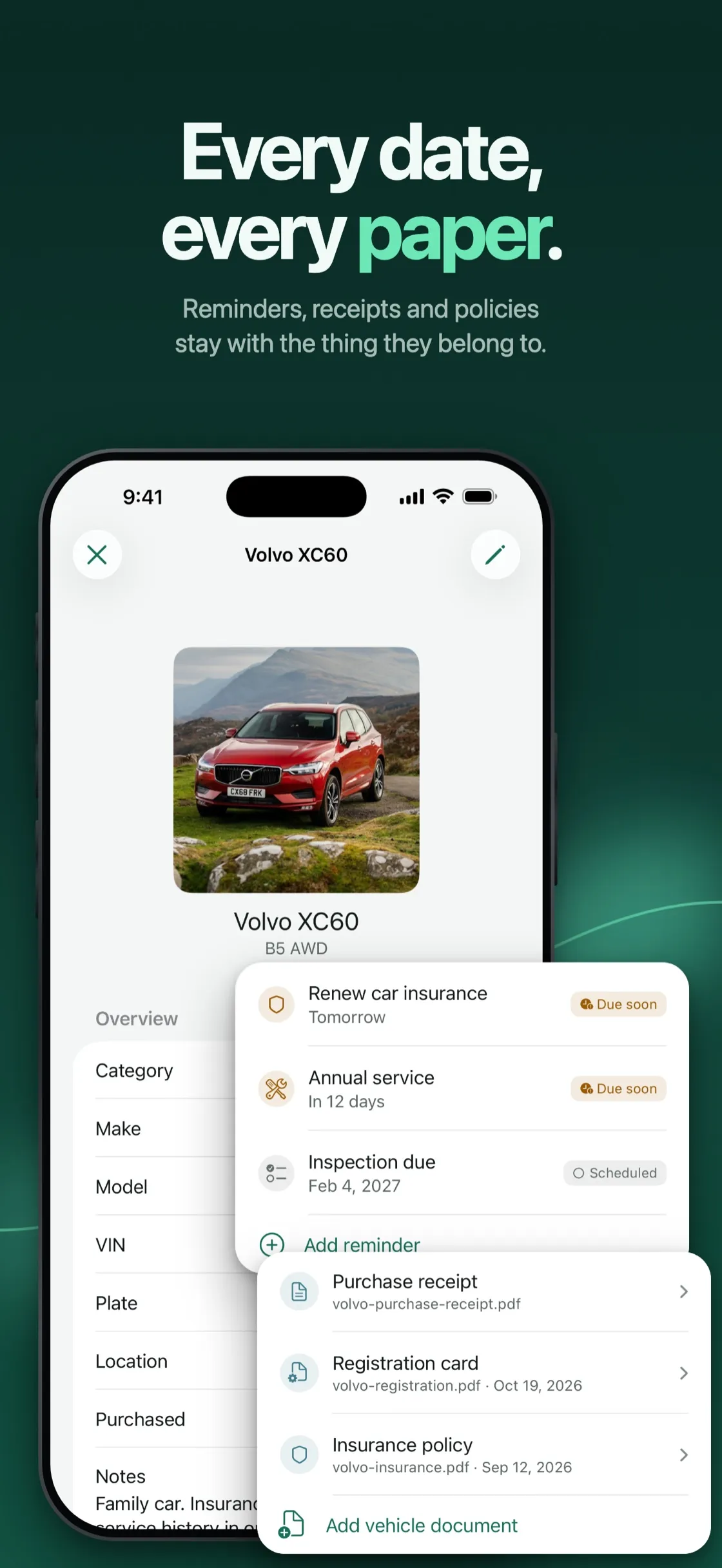
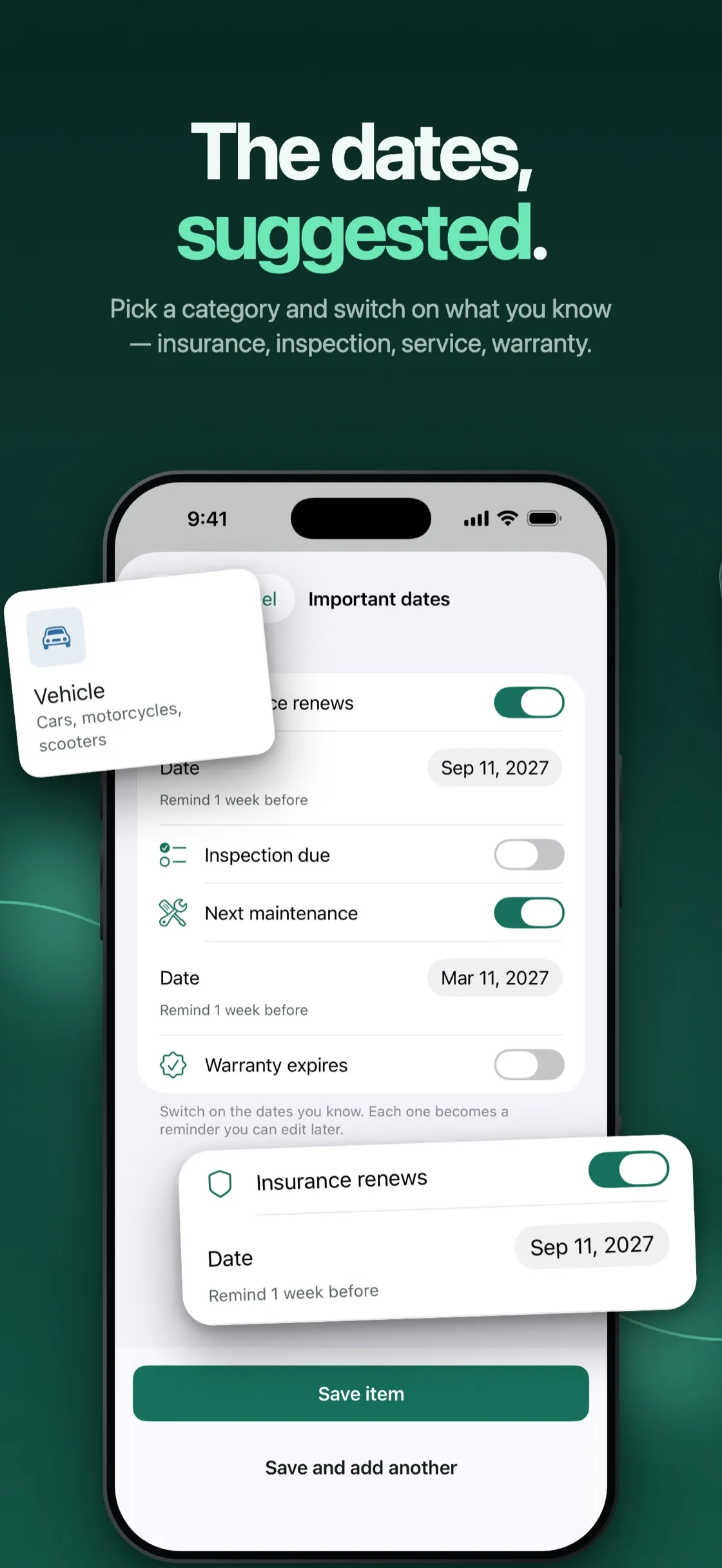
- Today — what is overdue, due soon and coming up, across everything you own
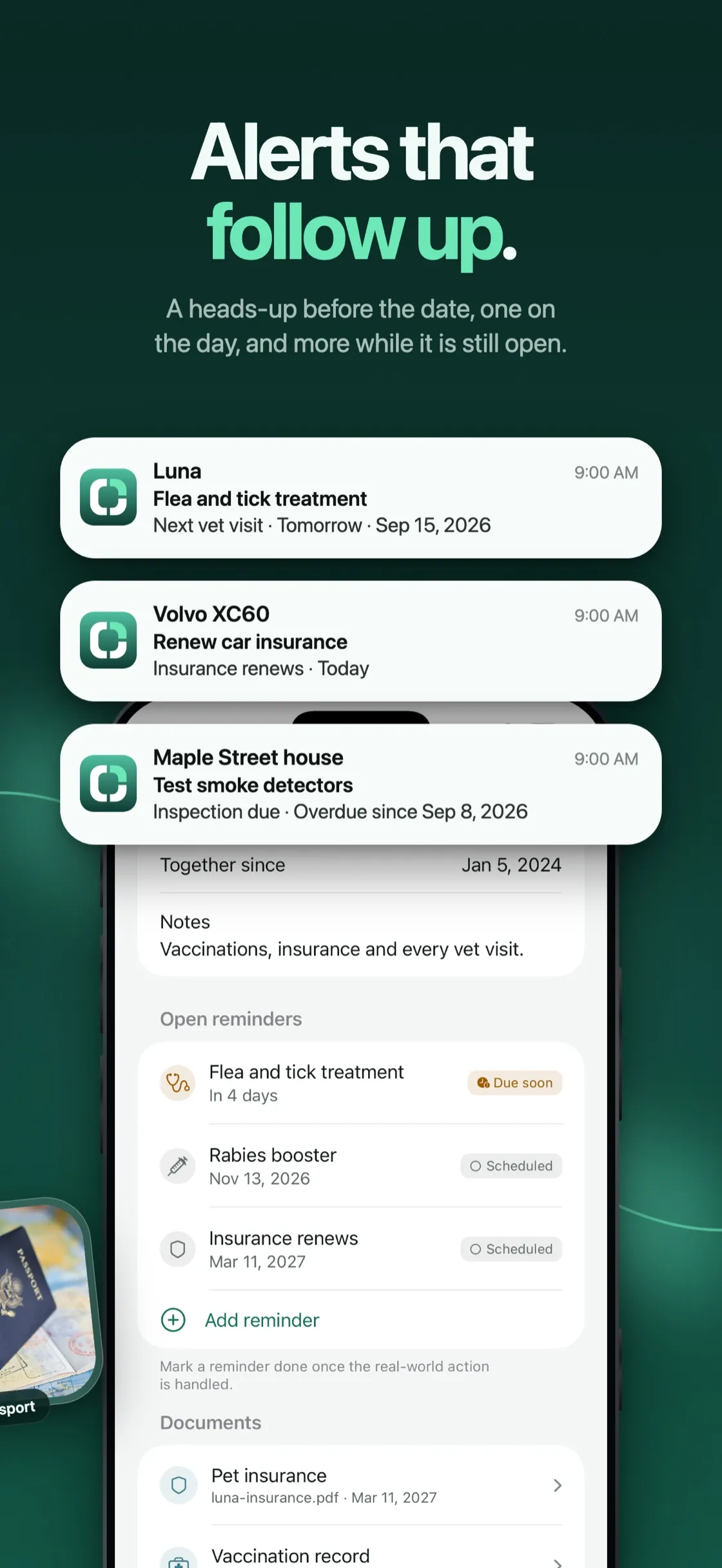
- Alerts that follow up — a heads-up before the date, one on the day, and more while it is still open
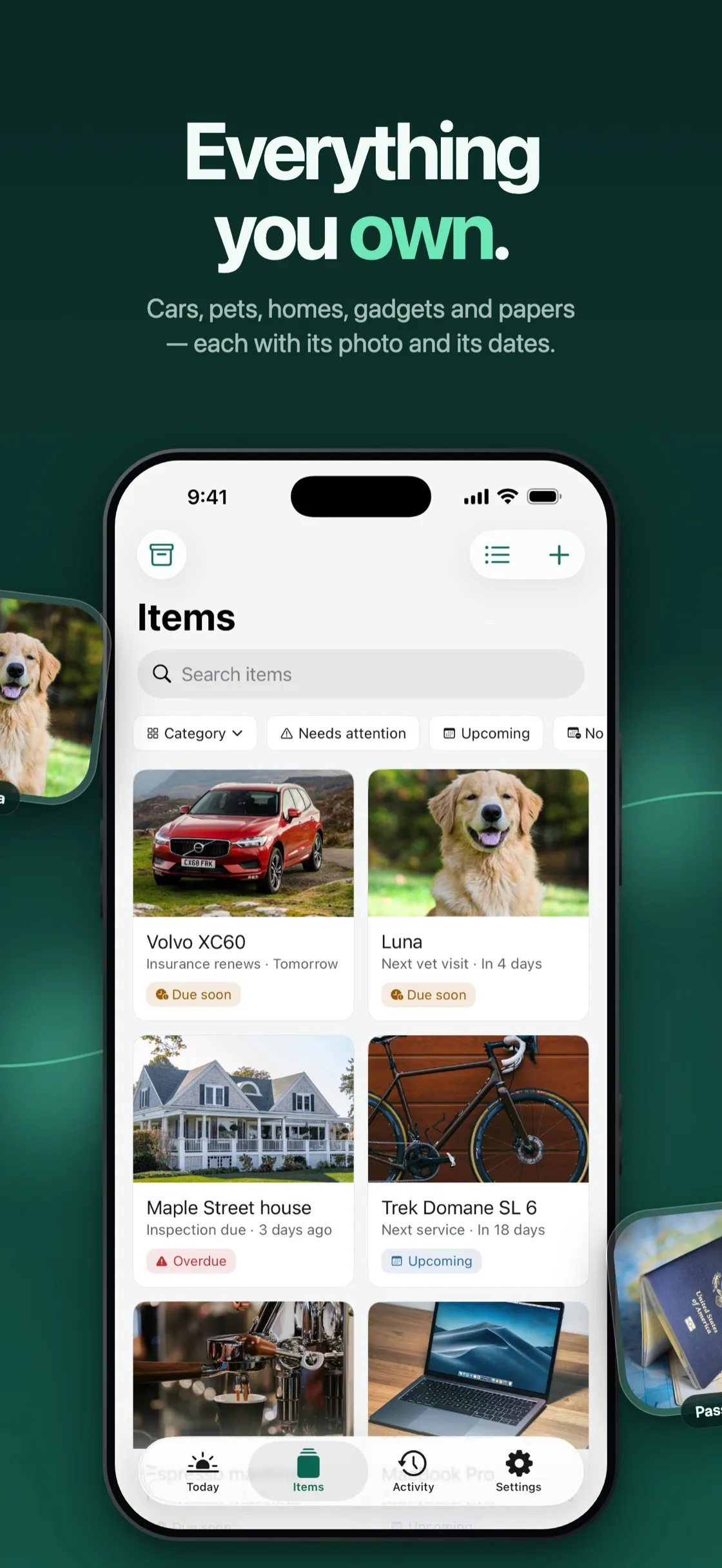
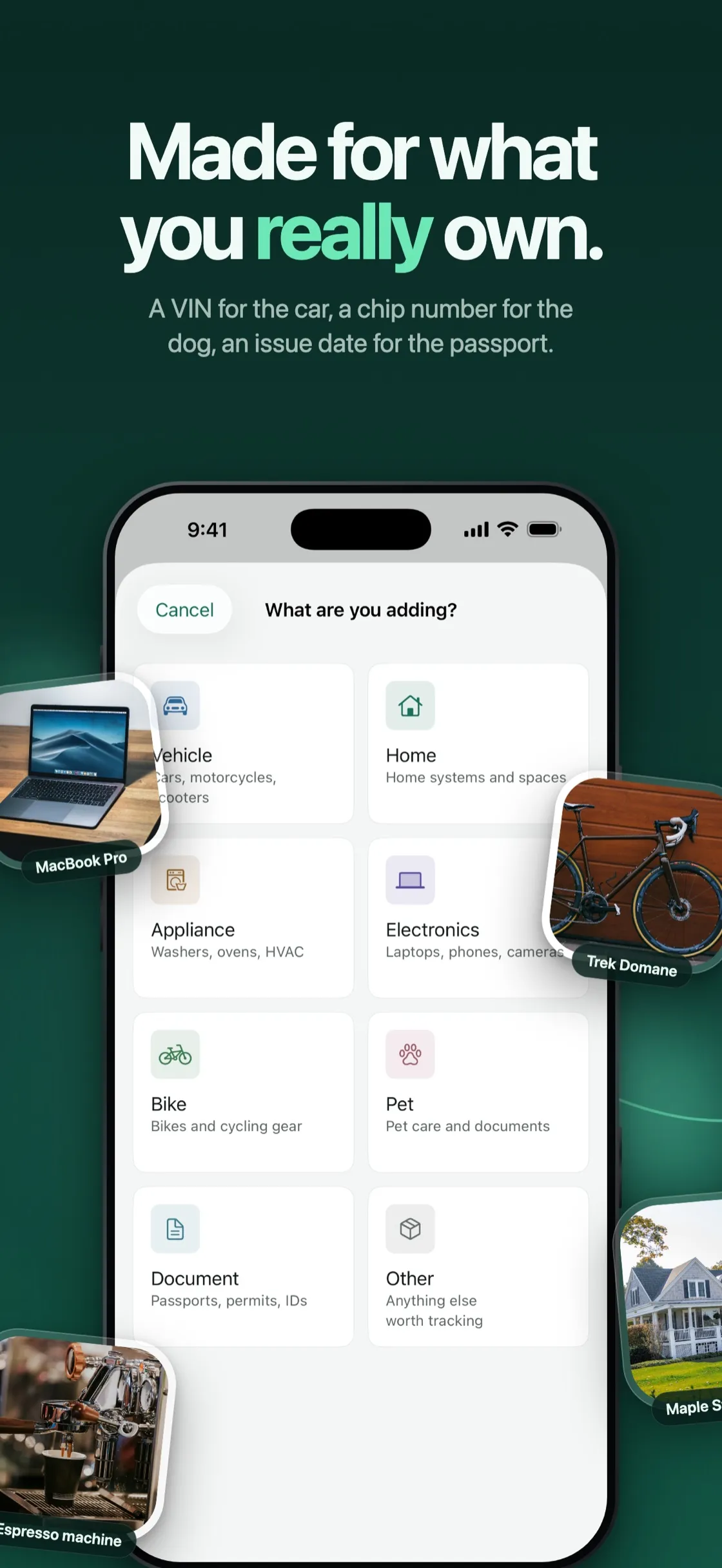
- Eight categories, each asking for what fits — a VIN for the car, a chip number for the dog, an issue date for the passport
- Documents on the thing they belong to — scan paper or add files, and Smart Fill suggests the details right on the device
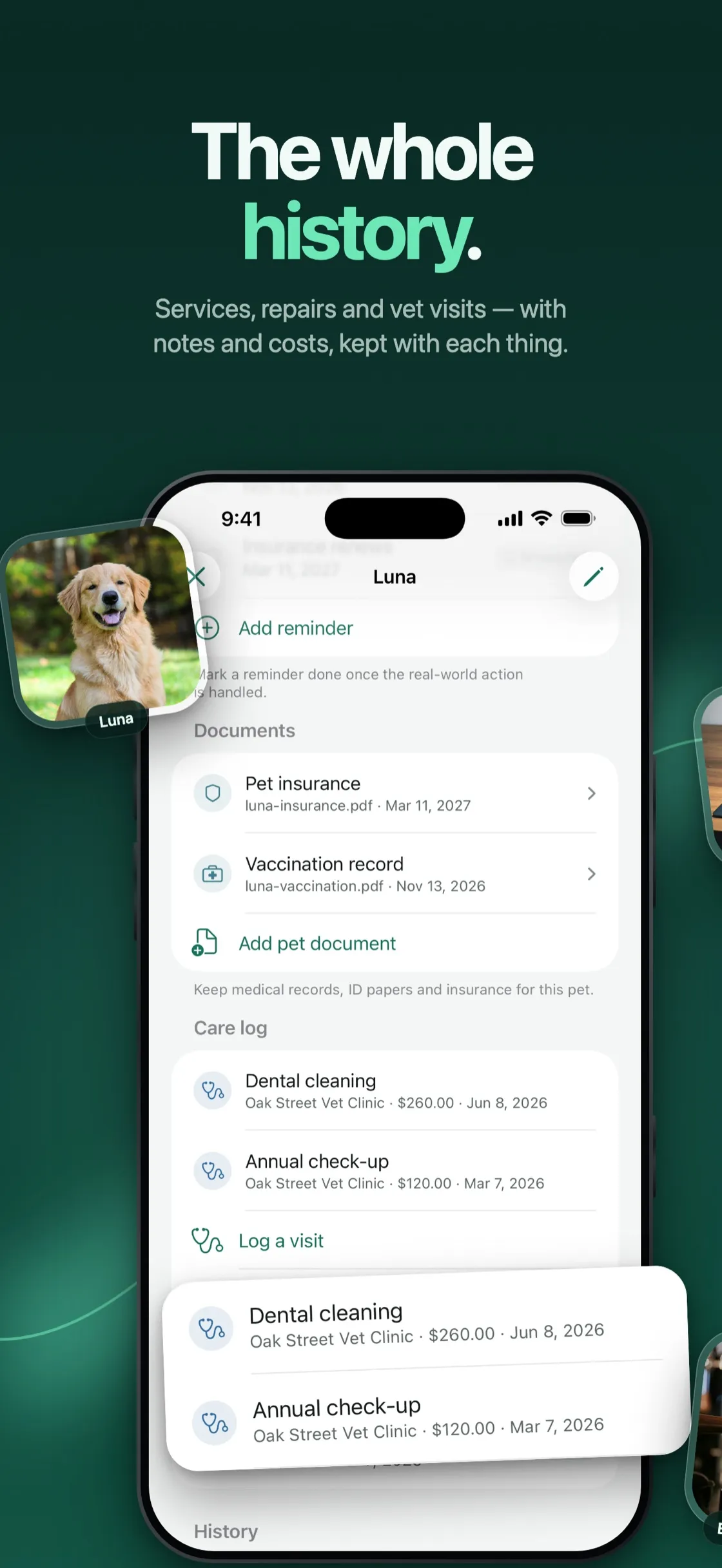
- The whole history — services, repairs and vet visits, with notes and costs
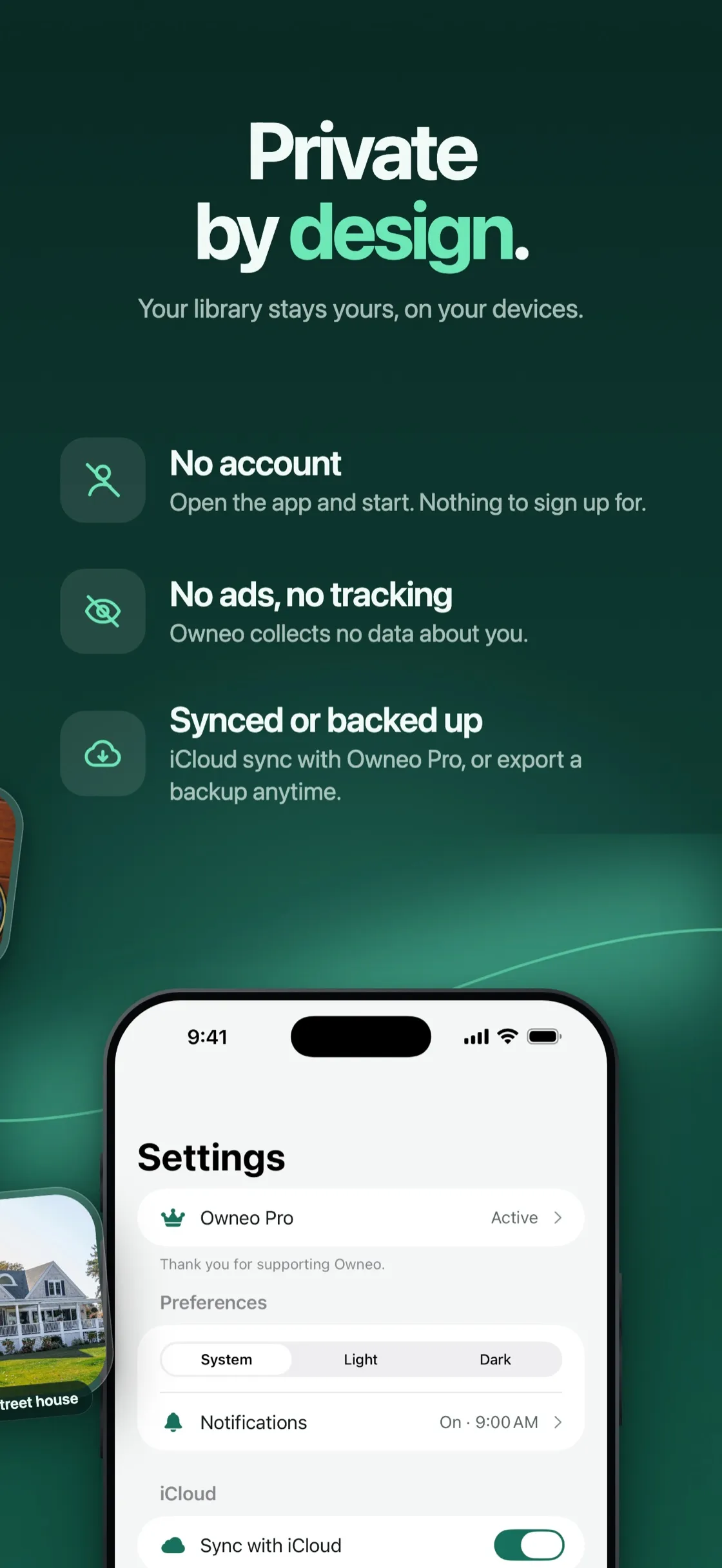
- Private by design — no account, no ads; iCloud sync with Owneo Pro, or a backup file whenever you like
Everything worth owning comes with a date attached — a warranty that runs out, a policy that renews, a service that falls due. Those dates usually hide on a receipt in a drawer or in last year’s email. Owneo keeps them on the thing itself, and its Today screen shows what needs attention while there is still time to act.
Cars, homes, bikes, pets, appliances and documents each get the fields they actually need, and reminders repeat on the rhythm each one follows. Owneo is free to start, with up to five things, two documents each and three Smart Fill scans — reminders, alerts and backups are always free. Owneo Pro removes the limits and adds sync across your devices, as a monthly or yearly subscription or a one-time Lifetime purchase.
How it’s built
Owneo is local-first. SwiftData on the device is the source of truth, so nothing waits on a network and the app works the same offline. Sync is built on CKSyncEngine and runs through each person’s own private iCloud database — there is no server of mine in the middle and no account to create.
Alerts are scheduled on the device with UserNotifications: one ahead of the date, one on the day, and follow-ups while it stays open. Repeating dates roll forward to the next occurrence when they are marked done.
Smart Fill pairs the VisionKit document scanner with Vision’s text recognition. A scanned receipt or warranty is read entirely on the iPhone, and the suggested fields are applied only after you review them.
Purchases run on StoreKit 2 — two subscriptions and a Lifetime unlock. The whole app is SwiftUI and Swift Concurrency on iOS 26, one codebase for iPhone, iPad, Mac and Apple Vision Pro.